Skip to content
Spreadya

One ecosystem, modules that scale with you

LMS at the core. Everything around it works as one journey.

Start with learning management, then add commerce, communication, content, employee onboarding, and finance. Every module shares identity, data, and context, so your team does not rebuild the journey in every tool.

Activate what you need today, then add modules as your ecosystem grows.

Core
LMS

Learning, assessment, progress, certificates, roles, and reporting.

01
E-commerce
02
CRM
03
CMS
04
Onboarding
05
Finance

Shared across modules

  • One user identity
  • One content catalog
  • Connected permissions
  • Activity history and reporting

The operational foundation

The learning management system is the source of learning truth.

The LMS manages learners, instructors, courses, paths, assessments, certificates, progress, and reporting. Complementary modules do more than sit beside it: they feed it the right context and act on its data.

Complementary modules

Each module solves a clear job. Integration removes the gaps between them.

Run the modules that match your model: direct-to-learner commerce, enterprise learning, employee onboarding, or a blend of all three.

01 E-commerce

Turn your learning catalog into a complete buying experience.

Present courses, paths, and bundles, then manage the journey from product selection to learner access.

  • Course storefronts and catalog pages
  • Discounts, coupons, and offers
  • Bundles and learning packages
  • Installments and multiple payment options
  • Orders, invoices, and enrollment activation

After a successful order, enrollment moves to the LMS, finance records the transaction, and CRM starts the follow-up journey.
02 CRM

One context for every conversation before, during, and after learning.

Bring students, instructors, and customers into one relationship history, giving sales and support a clear view instead of scattered conversations.

  • Unified customer, learner, and instructor profiles
  • Pre-enrollment inquiries and opportunities
  • Support tickets and case follow-up
  • Journey-based messages and reminders
  • Communication history and outcomes

CRM reads order, enrollment, and progress status, so every conversation reflects what actually happened in the ecosystem.

03 CMS

Publish marketing and product knowledge from the same source.

Build the website, program pages, policies, and marketing content on a structure that search engines and answer engines can understand.

  • Website, landing, and program pages
  • Policies, FAQs, and company content
  • Arabic and English publishing
  • SEO-ready page structures
  • AEO and structured data for clearer answers

CMS connects every page to a course or bundle and turns interest into an order or a CRM opportunity.

04 Onboarding

Make the first ninety days a journey you can follow.

Help new employees understand the organization, their role, policies, and tools from preboarding through the end of their first three months.

  • Preboarding and first-day tasks
  • A structured first-week plan
  • 30, 60, and 90-day follow-up
  • Policies, orientation content, and acknowledgements
  • Progress visible to employee and manager

The module places LMS content inside the employee journey and uses CRM for reminders and support without duplicating data.

05 Finance

Connect revenue to enrollment instead of reconciling files by hand.

Give operations and finance a view of invoices, sales, installments, and payments tied to each customer, learner, and order.

  • Invoices linked to orders
  • Installment schedules and due dates
  • Payment and overdue tracking
  • Adjustments and refunds when needed
  • Actionable sales and collection reports

Finance receives order details from commerce and returns payment status to the modules that activate access or trigger follow-up.

Integration in practice

Users see one journey, even when several modules power it.

Not every scenario needs every module. The ecosystem calls the right capability at the right moment while identity and context stay connected.

Course commerce journey

From search result to active learner.

  1. CMS Discover A clear page explains the course and answers key questions.
  2. E-commerce Choose A course or bundle with the right discount or installment plan.
  3. Finance Pay The invoice, payment, and due dates are recorded.
  4. LMS Learn Enrollment activates and the learning journey begins.
  5. CRM Get support Follow-up understands the purchase, progress, and prior conversations.

New employee journey

From accepted offer to measurable integration.

  1. Onboarding Before day one Core information, preparation, and preboarding tasks.
  2. Onboarding First week A daily plan for policies, people, and workplace tools.
  3. LMS Required learning Role-based paths with assessment and completion evidence.
  4. CRM Remind and support Messages and support cases tied to employee progress.
  5. LMS + Onboarding Ninety days One view of tasks, learning, and intervention points.

Inside the system

A focused interface for every role, with connected data underneath.

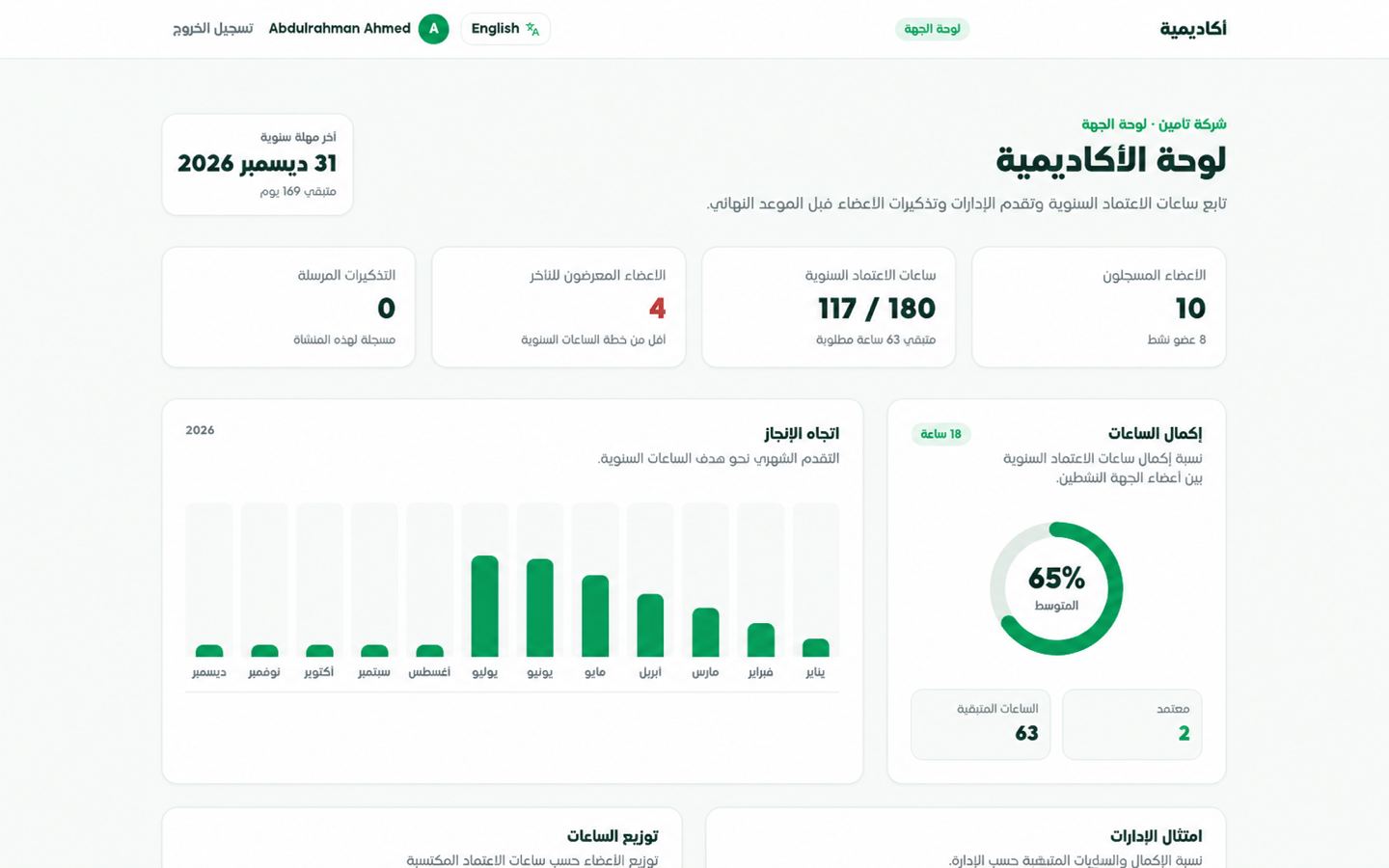
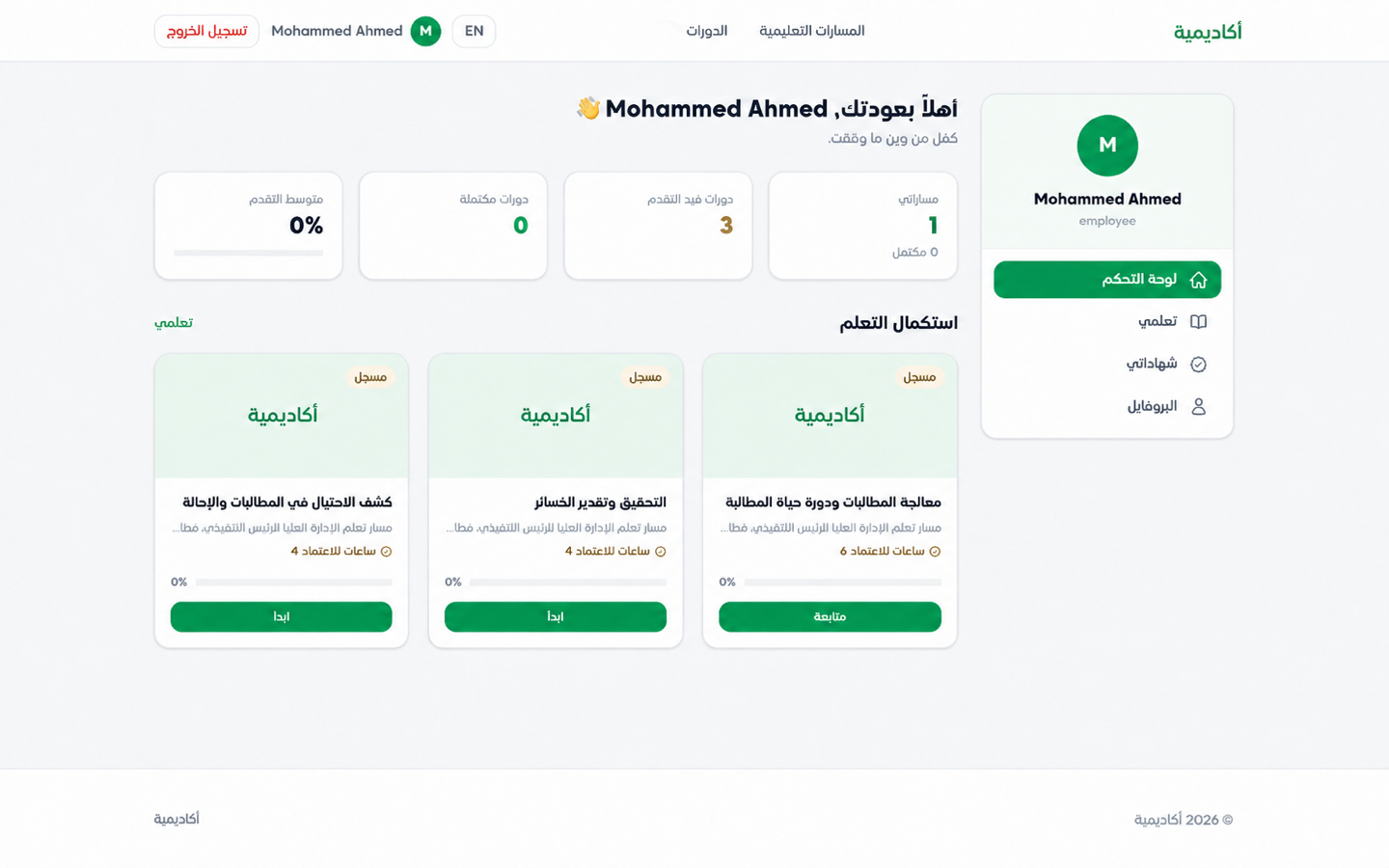
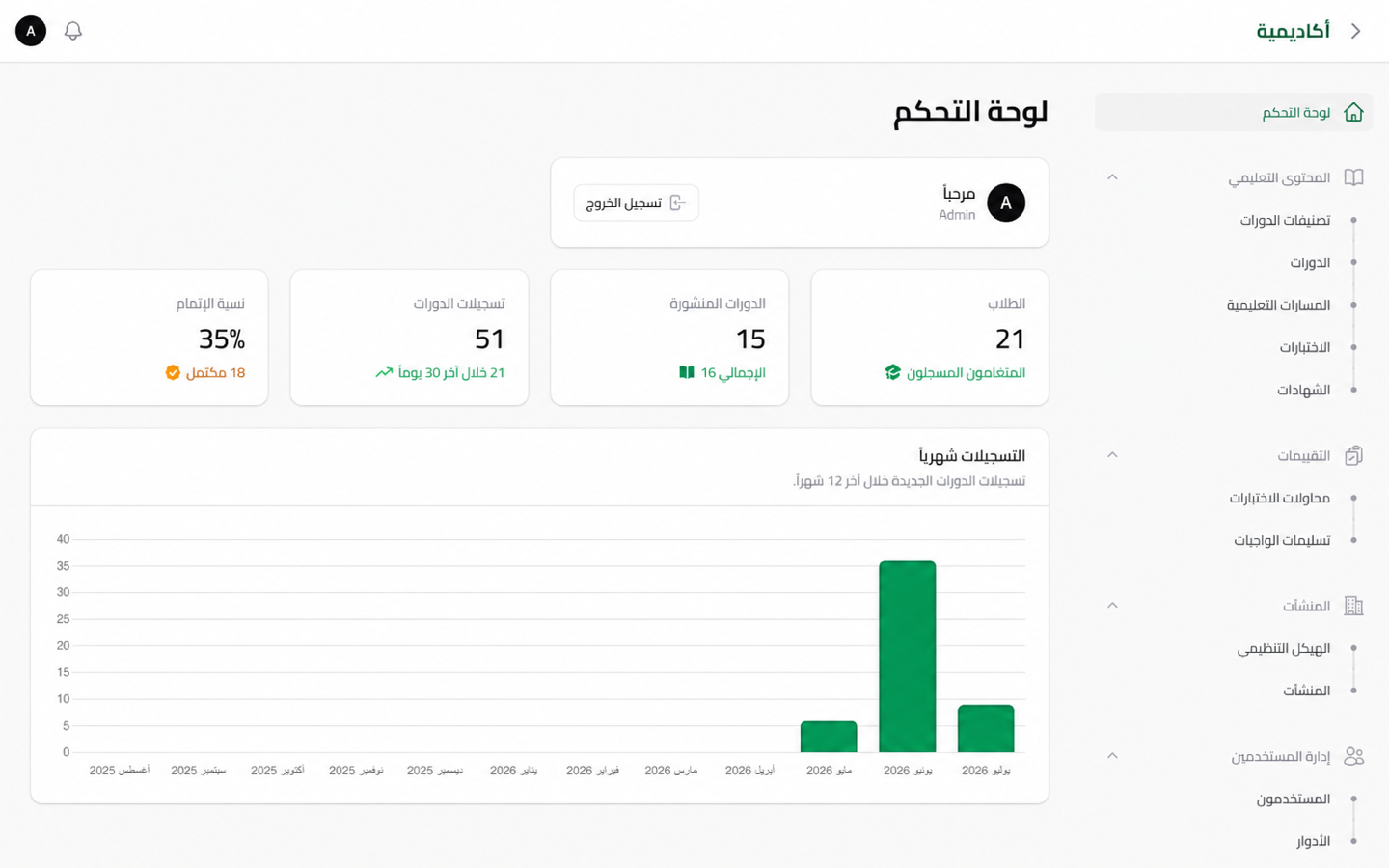
The working platform model shows learners, administrators, and organizations moving through tailored experiences while progress and reporting stay connected.

SPREADYA
Neutral learner dashboard showing courses, paths, and progress

Learner experience

Courses, paths, and progress in one personal dashboard.

SPREADYA
Neutral platform administrator dashboard for learning operations

Platform operations

Content, users, and operational indicators in one workspace.

SPREADYA
Neutral organization dashboard showing learning and completion indicators

Organization view

Completion, compliance, and indicators ready for decisions.

Start with your business model

Let us define the modules you need and how their data should connect.

In a tailored session, we map the learner or employee journey, sales and communication touchpoints, billing requirements, and reporting needs before proposing scope.